
How to explain a business idea with a short video
The main idea from a slide deck can become a 30-second video. I made my example in a few minutes with Claude Motion — a beta feature available on Team and Enterprise plans (12 October 2026).
- Goal
- Explain a service to a customer, show a change to a team, or create a short instruction.
- Tools
Your own materials → Claude Motion for animation → MP4 for sharing.
- Process
- Brief and facts → script → revisions → export.
- Result
- Two examples: an idea for an application (30 s) and the steps to order a service (20 s).
Watch two examples
An idea for an application in 30 seconds and a service explained in 20 seconds.
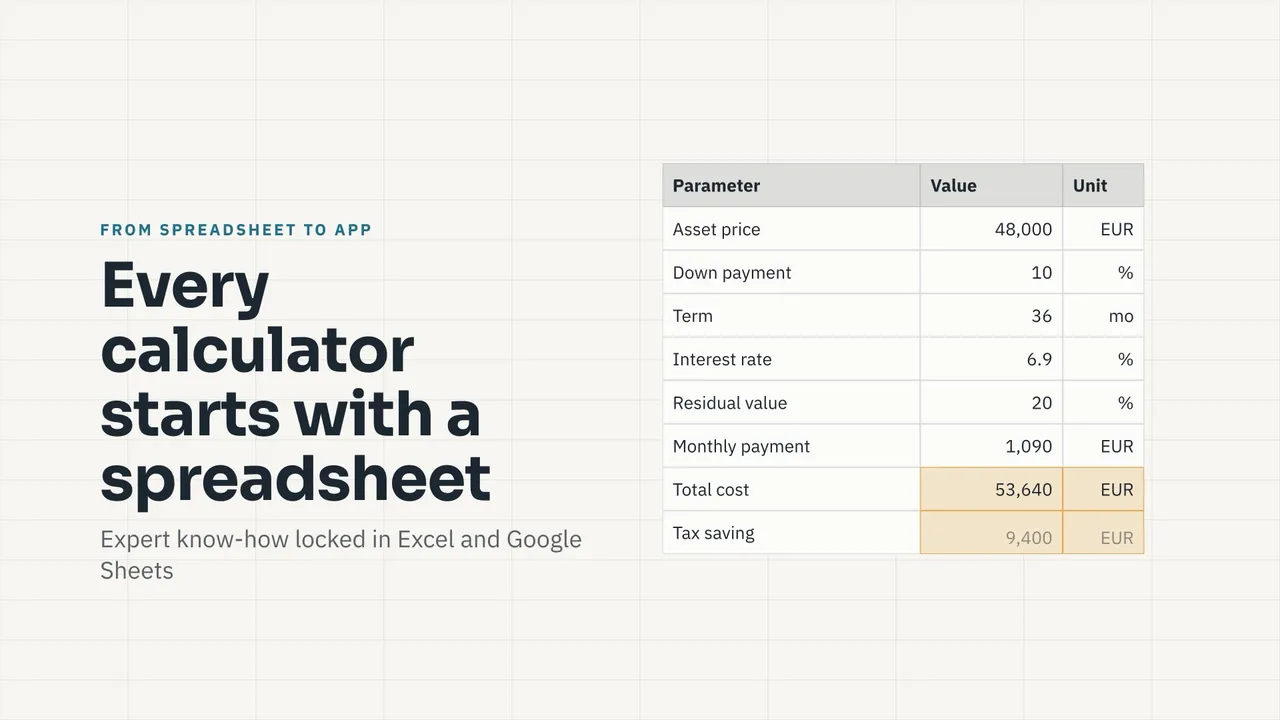
From spreadsheet to application · 30 s
Adenergo: from a need to an order · 20 s
What is the video for?
To help someone quickly understand one thing and know what to do next. You can present a service on a website, explain a change in a meeting, or create a short instruction for an employee. Keep the details in a presentation or document.
In the first video, I show the path from a spreadsheet through an API — a way for programs to exchange data — to an application. The second example, Adenergo, takes a customer from a need to an order. Try a similar structure: situation → solution → next step.
How to make your own version
- Gather the content. I used three slides for the first video. You can use a service description, screenshots, and brand colours.
- Open Motion in Claude. Start with the template in Artifacts. Specify the audience, the main idea, and the video length.
- Check the script, then the animation. Attach revisions to a specific second, for example: “At 0:14, show who uses the result.”
- Export an MP4. Watch it without sound and on a phone. You can put the file on a website, in a post, or in a presentation.
Show the video to one person and ask: “What did you understand, and what should you do next?” If the answer is unclear, revise the message.
What to keep in mind
- Access: check whether Motion is available in your account. In Enterprise, an organisation owner enables it. See the vendor guide for the conditions.
- Voice-over: the version I used had no option to add a voice. You can record commentary or generate speech and combine it with the MP4 in a video editor.
- Facts: this is a code-based animation, not a recording of a working product. Check the numbers and distinguish existing features from plans. A few minutes refers to my example; your materials and revisions may take longer.
Copy and adapt the prompt
Create a video of about 30 seconds in Claude Motion.

Topic: [service, product, or process].
Audience: [who it is for].
Main idea: [what they should understand].
Next step: [what they should do].
Materials: [attached slides, description, or screenshots].
Status: [what works and what is planned].

First propose a script: situation → solution → next step. Use simple English captions that are clear without sound and on a phone.

Do not invent facts or results. Label example data and ask about missing information. After my approval, build the animation for MP4 export.